Gadgets
Gaming During Loadshedding: What You Need to Keep Your PS5/Xbox Running
What do you need to keep your console going during power outages? We break it down.

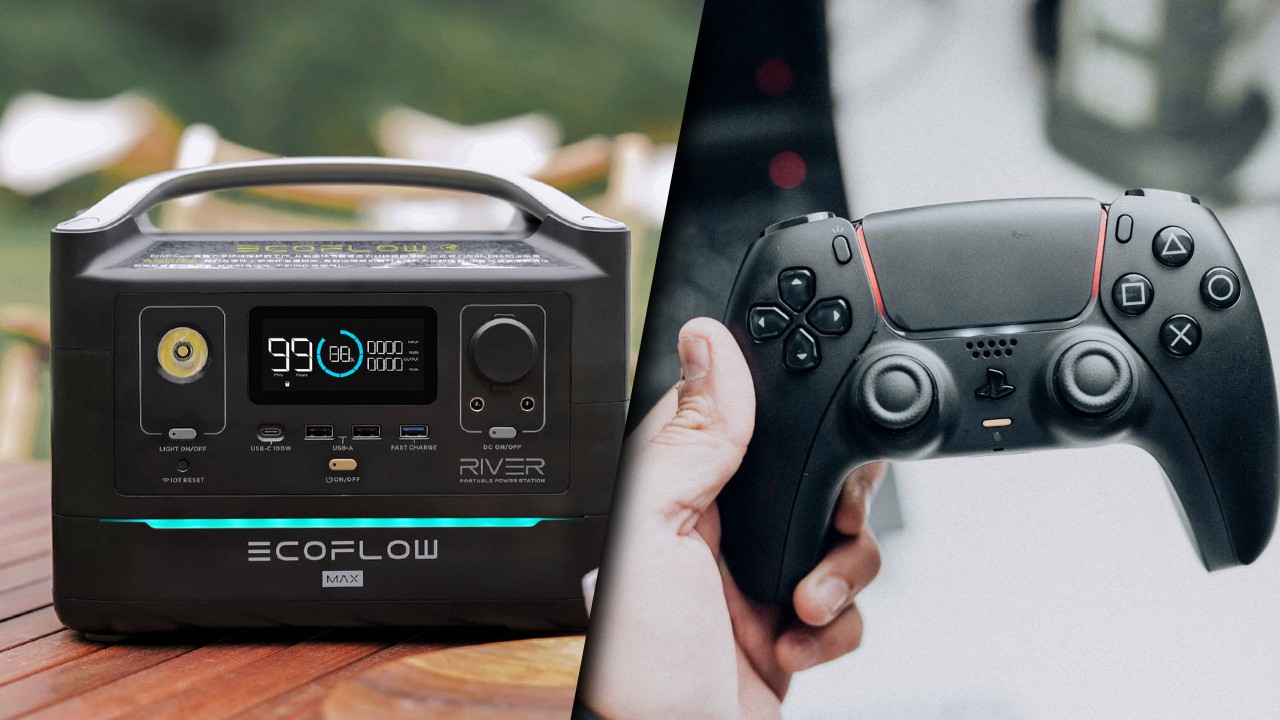
Let’s face it: load-shedding is an absolute pain in South Africa, but instead of fumbling around in the dark, we as South Africans are pragmatic and even more so as gamers. So, to avoid the power outages interrupting your gaming time, there are some ways to keep your consoles running so that you can sneak in some gaming downtime during the various loadshedding stages.
Power consumption of consoles & TVs
First and foremost, let’s break down the power consumption of the consoles (and your set-up), so you know what you need in order to buy backup power options.
Keep in mind, watt rating on devices is often displayed as watt-hours (W·h), which is the amount of watts a device needs for an hour of use.
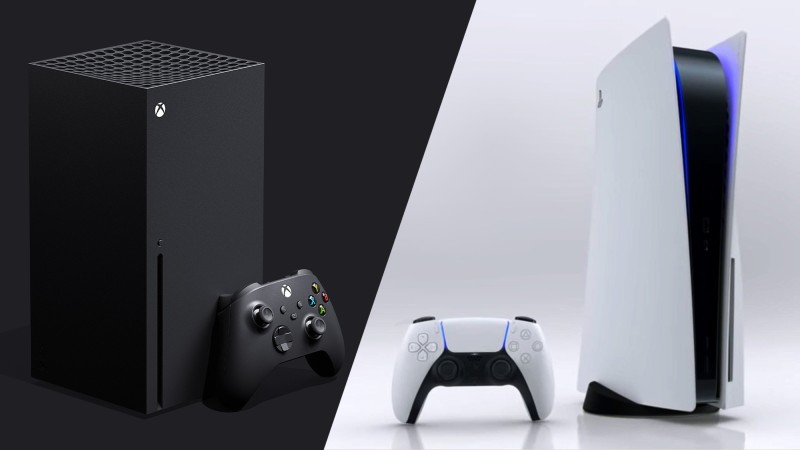
Playstation 5: OK, so the official power consumption guide for the Disc Edition of the PS5 console is 350 watts, while the PlayStation 5 Digital Edition has a power rating of 340 watts. Realistically, in practice, the consoles both draw a little less than the max rating, and will use around 200 watts while gaming. It draws a lot less power during standby/rest mode, but for the sake of actual gameplay, this is what you need.
Xbox Series X/S: In comparison, Microsoft claims the bigger Xbox Series X consumes 153W during gameplay, whereas the smaller Series S console draws 74W during gameplay.
TVs: The power consumption of televisions is a different story, as each TV and its included technology can change the consumption rating quite notably. The best thing to do is to check the rating on your television, but the rule of thumb is: the bigger the TV, the more power it needs. Pretty straightforward. Generally speaking, most gamers will be using LED or OLED (or ULED, or whichever LED technology your preferred brand calls it), so just looking at LED technology TVs, you can work with the following ballpark numbers:
- 32-inch LED TV: 41-57 watts
- 42-inch LED TV: 57-75 watts
- 50-inch LED TV:72-89 watts
- 55-inch LED TV:80-98 watts
- 60-inch LED TV: 88-107 watts
Again, it’s always best to check your own TV model so that you get an accurate rating. There’s a pretty good resource here if you want to find out more on a specific TV technology and size.
What do you need to continue gaming during loadshedding?
With a grasp on the power needed for a current-gen consoles and a TV, you can calculate the wattage you require for your set-up. For example, if you want to run a PS5 disc edition console on a 42-inch TV, you’ll need 80 watts for the TV (just to be safe) and 200 watts for the PS5 — so, around 280-300 watts in total.
Another example: If you have an Xbox Series S and want to play on a 32-inch LED TV, you’ll only need 60 watts for the TV, and 74 watts for the console — requiring only 134 watts in total.
These are obviously rough calculations, so try and look for a power solution that takes into account the needed wattage, and a little more — after all, you don’t want the power unit tripping while you’re deep into a boss fight.
Backup power options
While we’d love for their to be a small, super-affordable device to power consoles and TVs (much like the mini UPSs that provide power to routers and fibre boxes), the truth is that consoles and TVs need a lot more juice, thanks to those snazzy graphics cards and components in modern machines. So, if you’re looking to play for an hour or so at least on a moderate-sized TV, the minimum you’d need is 300 watts.
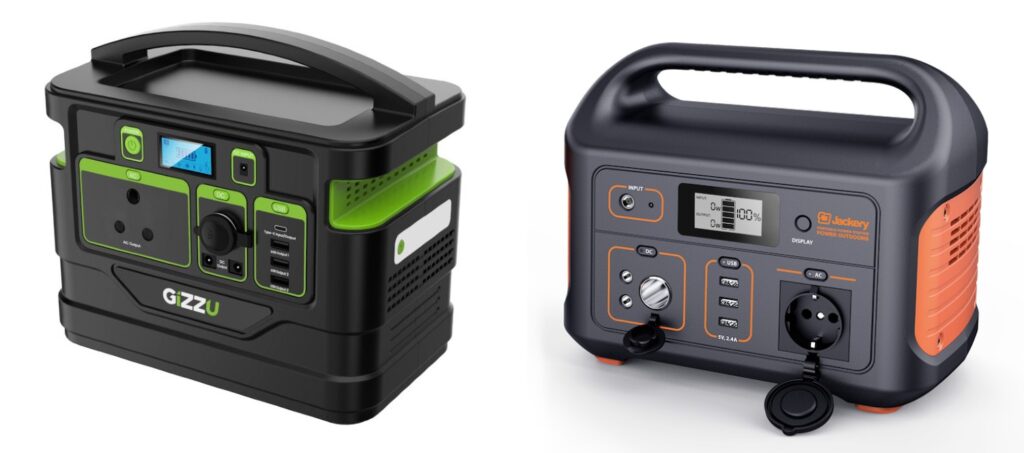
Looking in that range, there are a few portable power stations and back options available:
- Titan Elecstor 300Wh portable power station — R6,999
- Gizzu 518Wh Portable Power Station — R7,749
- EcoFlow River Max Portable Power Station 576 Wh capacity — R13,000
- Jackery Explorer 500Wh Portable Power Station — R11,950
Of course, use the above as a rough guide, but it’s always best to have a look at your TV power consumption, and for how long you’ll be using your preferred console.