Gadgets
This Mouse is Bonkers! — Logitech X2 Pro Superstrike Review
Logitech aims to reinvent the wheel with its latest gaming mouse. Here’s our review.

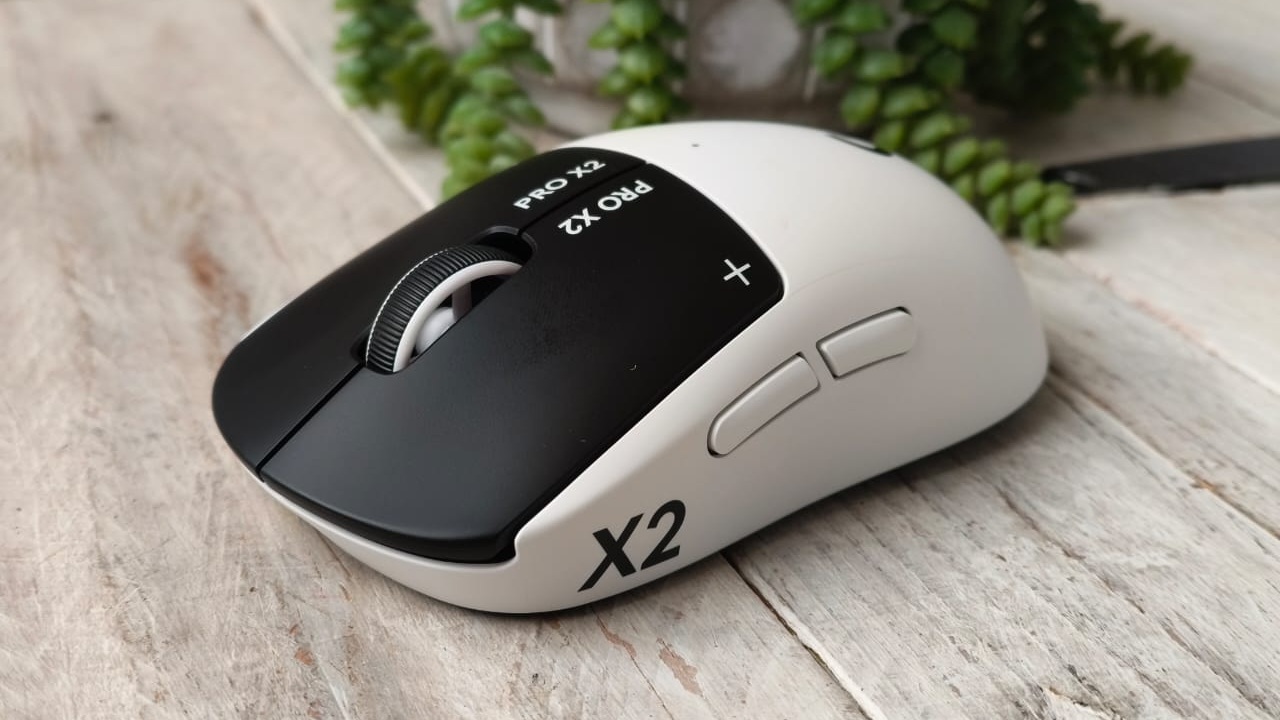
When it comes to the computer mouse, it’s hard to think of too many innovations in recent years. Besides vertical options, weight reduction and some other bells and whistles, they’ve pretty much stayed the same. However, Logitech’s X2 Pro Superstrike might not look like too much, but it’s got one of the most interesting spins on a traditional gaming mouse we’ve seen.
So, what makes the X2 Pro Superstrike (admittedly a mouthful) different? Aside from the pint-sized design, ultra-lightweight build, and stylish letting across the side of the mouse, it abandons the traditional analogue mechanical click function for something else.
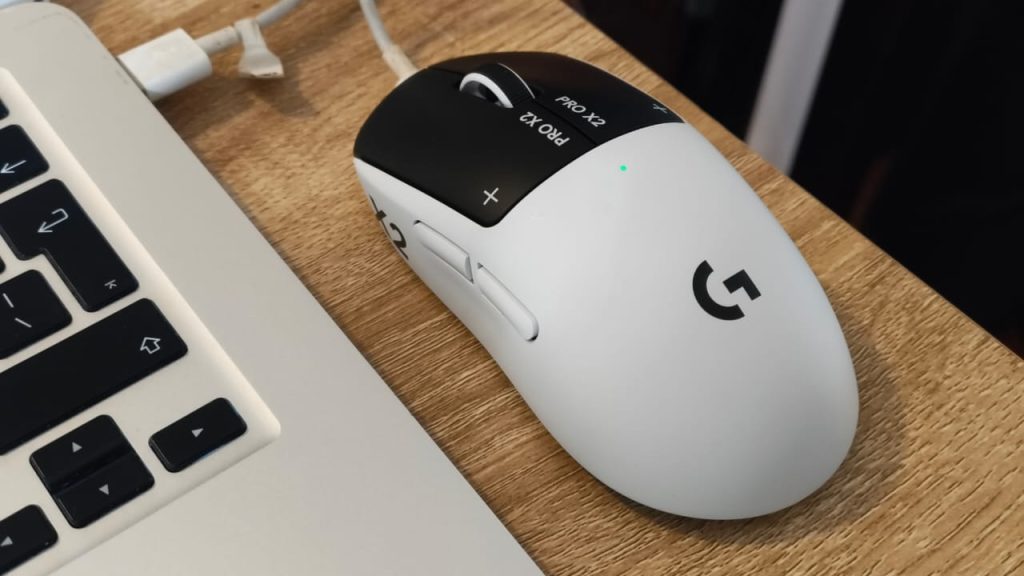
The mouse uses haptic feedback to adjust the ‘tension’ of the click, kind of similar to that of the haptic feedback one feels on the Playstation 5’s DualSense controller. When switched off, the mouse doesn’t even ‘click’. You can press it, but no tactile feedback or audible ‘click’ can be detected. However, once plugged in, you’ll feel a tangible click delivered through a very subtle vibration due to the haptic feedback, feeling a little more like a traditional (albeit slick) mouse.

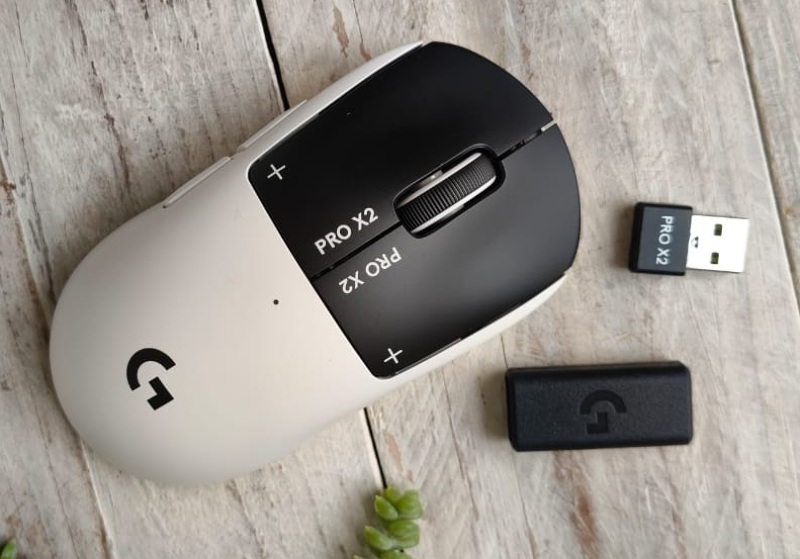
The benefit of this, however, comes with the customisation options. Using Logitech’s G Hub software (downloadable for free), you can adjust to a pretty fine detail of exactly how and when you’d like the X2 Pro Superstrike to click, and how much pressure is required. This may seem like Logitech is splitting hairs on the responsiveness of mouse clicks, but in a do-or-die FPS game, those milliseconds can matter.
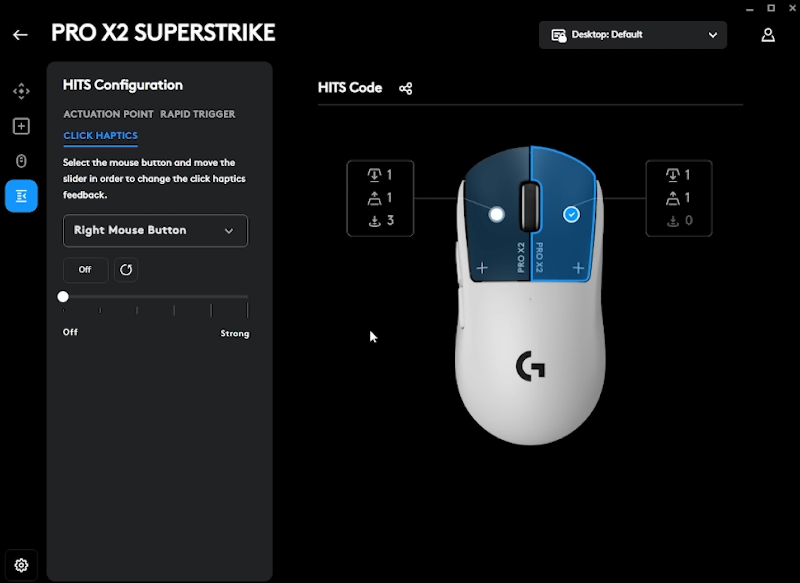
Furthermore, even if the reaction time seems negligible, just having the ability to change the amount of pressure required for a click and the vibration feedback makes you feel a whole lot more ‘connected’ to the mouse. I’d liken it to wearing tight-knit football boots – they’re not going to necessarily make you play better, but you feel like there’s a more 1:1 feeling and responsiveness. Imagine that, but for your hand.
In addition to adjusting the travel distance needed for a click to register, you can also set how far the button must return before it resets. You can choose from ten actuation points and five rapid-trigger reset points, much like high-end mechanical gaming keyboards.
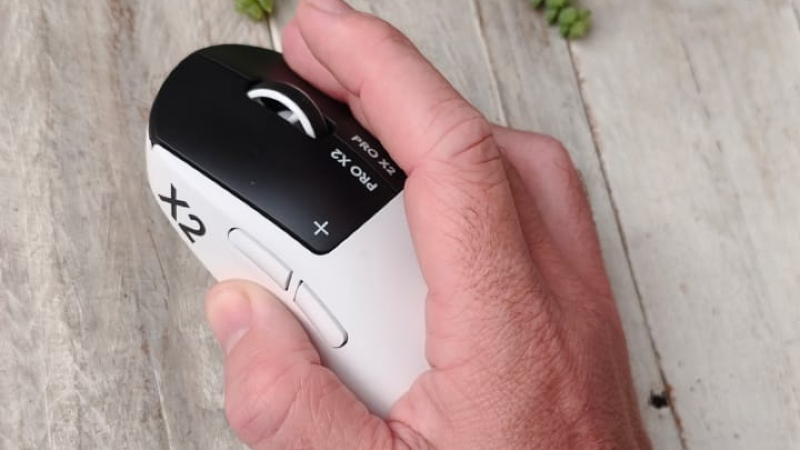
On top of that, you get a few side buttons too, allowing you to customise those for additional actions, whether it be to swap weapons in a game or change tabs in your browser.
While it may not be for everyone, for those looking for a peripheral to take their PC gaming up a notch (and if you have the budget), it’s a no-brainer. And if you’re in the market for a mouse anyway (and again, if you have the budget), it’s worth getting hands on with the X2 Pro Superstrike, because words don’t really do it justice.
The Logitech X2 Pro Superstrike retails for R3,999.